
Go to main content

Pay with your phone

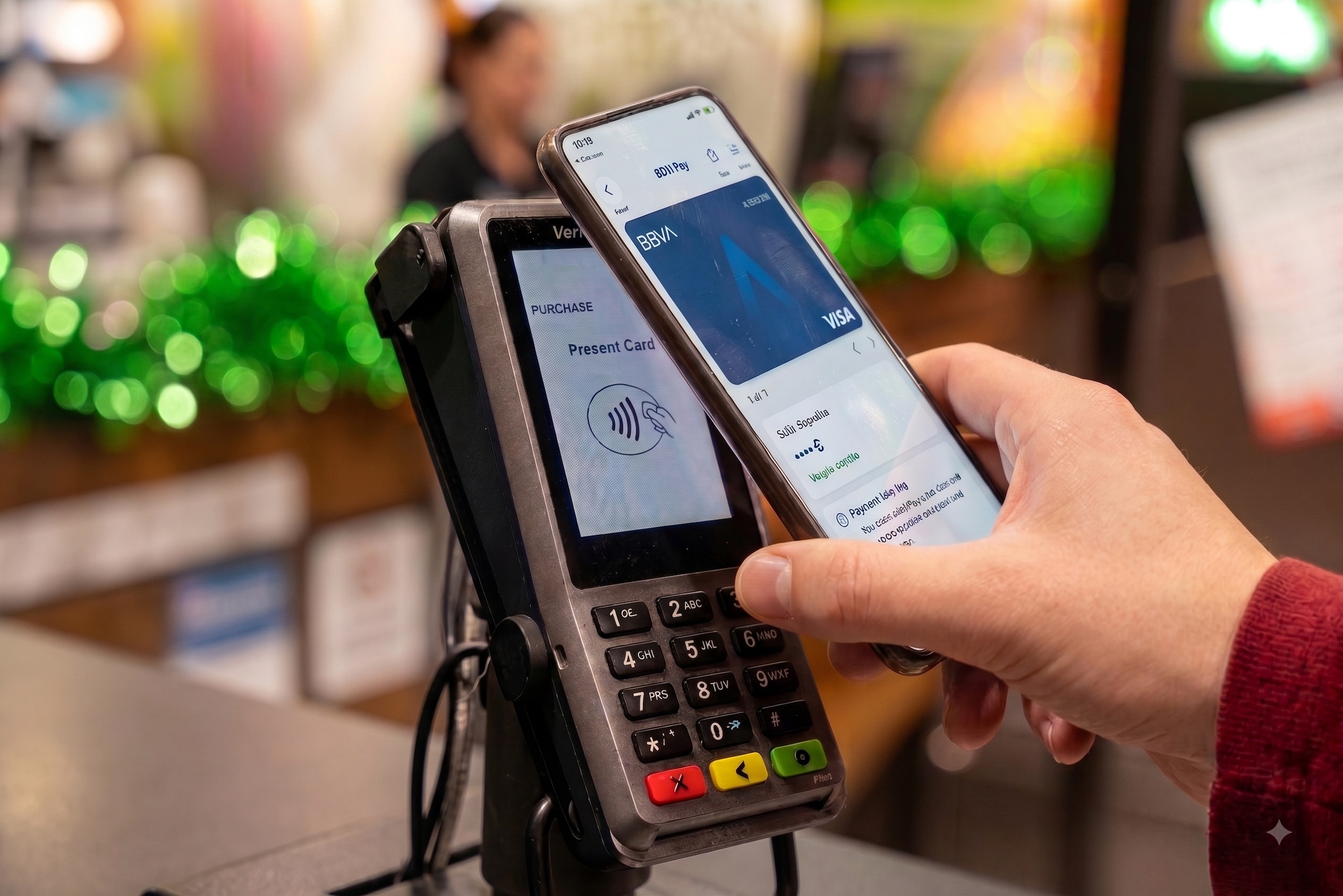
Leave your wallet at home and pay with your phone

  • Make payments securely with your phone without taking out your wallet.
  • Track all your payments from the BBVA app.
  • Activate the notification service to get one every time you pay.

Choose how you want to pay

Set up your phone in a minute and leave your wallet behind.

BBVA Pay

With BBVA Pay you can pay with your phone easily, securely and with no fuss.

  • Open the BBVA app.
  • Select the card you want to use to pay.
  • Tap Mobile Payment.
  • Select BBVA Pay.

Add your cards to any device

If you prefer, you can use other payment systems as alternatives to BBVA Pay.
  • Google Pay

    • Download the Google Pay app on your phone.
    • Open the BBVA app and select the card you want to use to pay.
    • Tap Mobile payment and select Google Pay.
    • Accept the terms and conditions and finish linking the card.
  • Apple Pay

    • Download the Apple Wallet app on your iPhone.
    • Open the BBVA app and select the card you want to use to pay.
    • Tap Mobile payment and select Apple Wallet.
    • Accept the terms and conditions and finish linking the card.
  • Samsung Pay

    • Download the Samsung Pay app on your phone.
    • Open the BBVA app and select the card you want to use to pay.
    • Tap Mobile payment and select Samsung Pay.
    • Accept the terms and conditions and finish linking the card.

Your bank on your smartphone with the BBVA app

Download the BBVA app on any device

You might also be interested in