




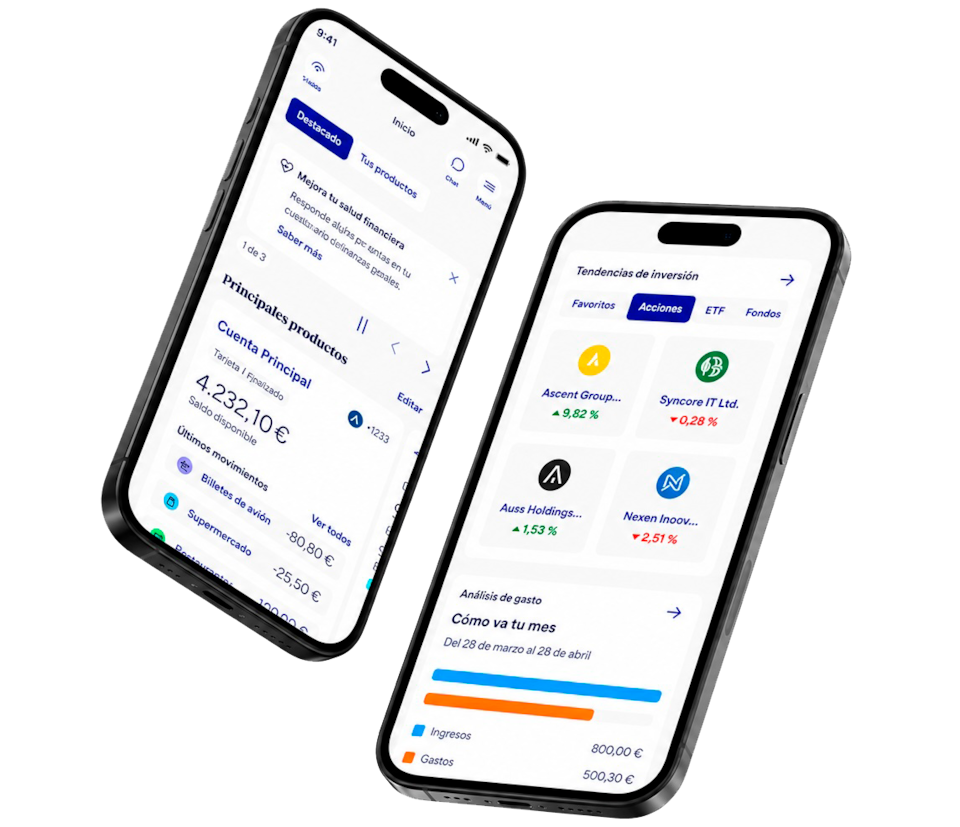
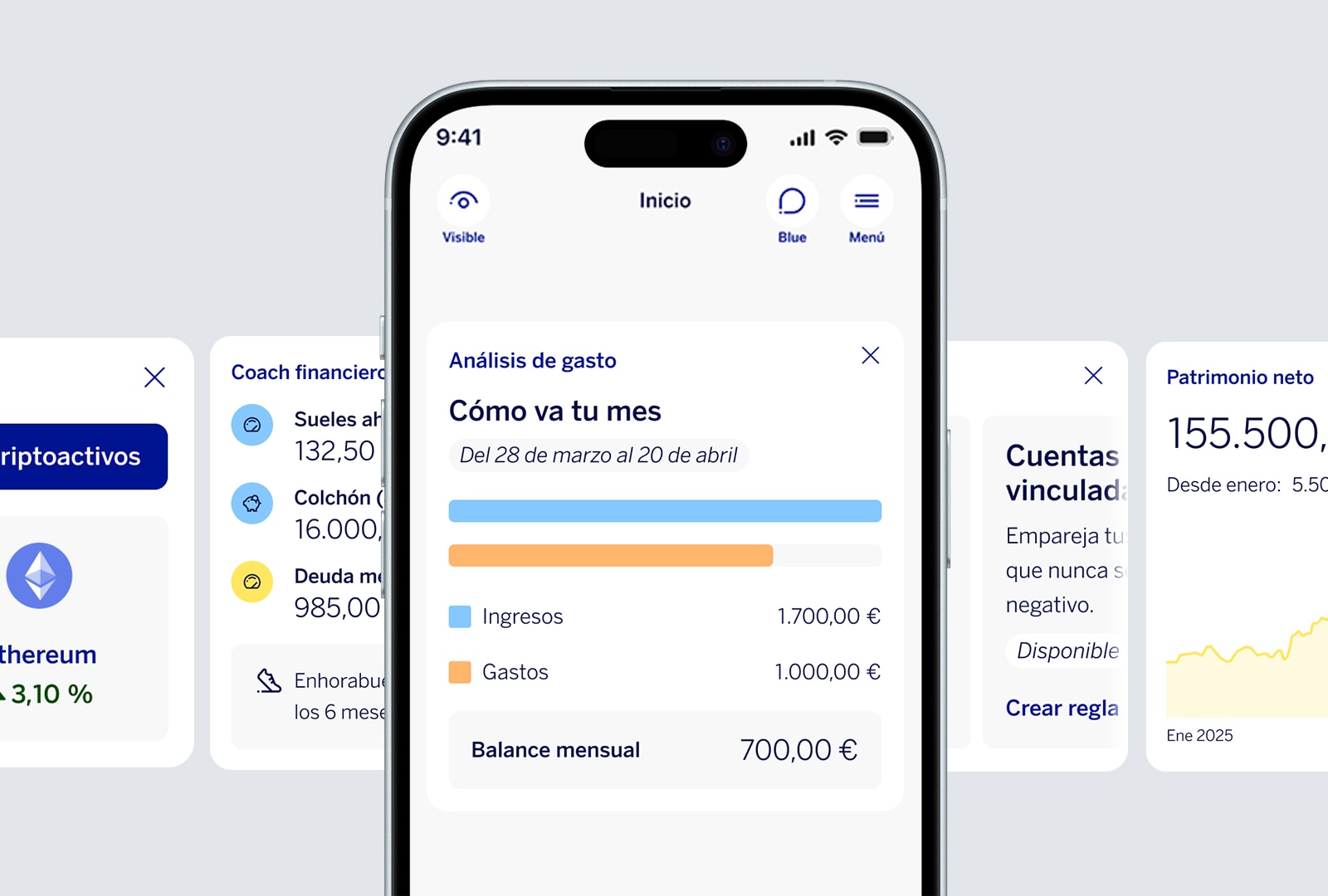
Global position: custom widgets
Most importantly, at a glance
You choose how to view your app
Decide how to view your information: Featured or Your Products.
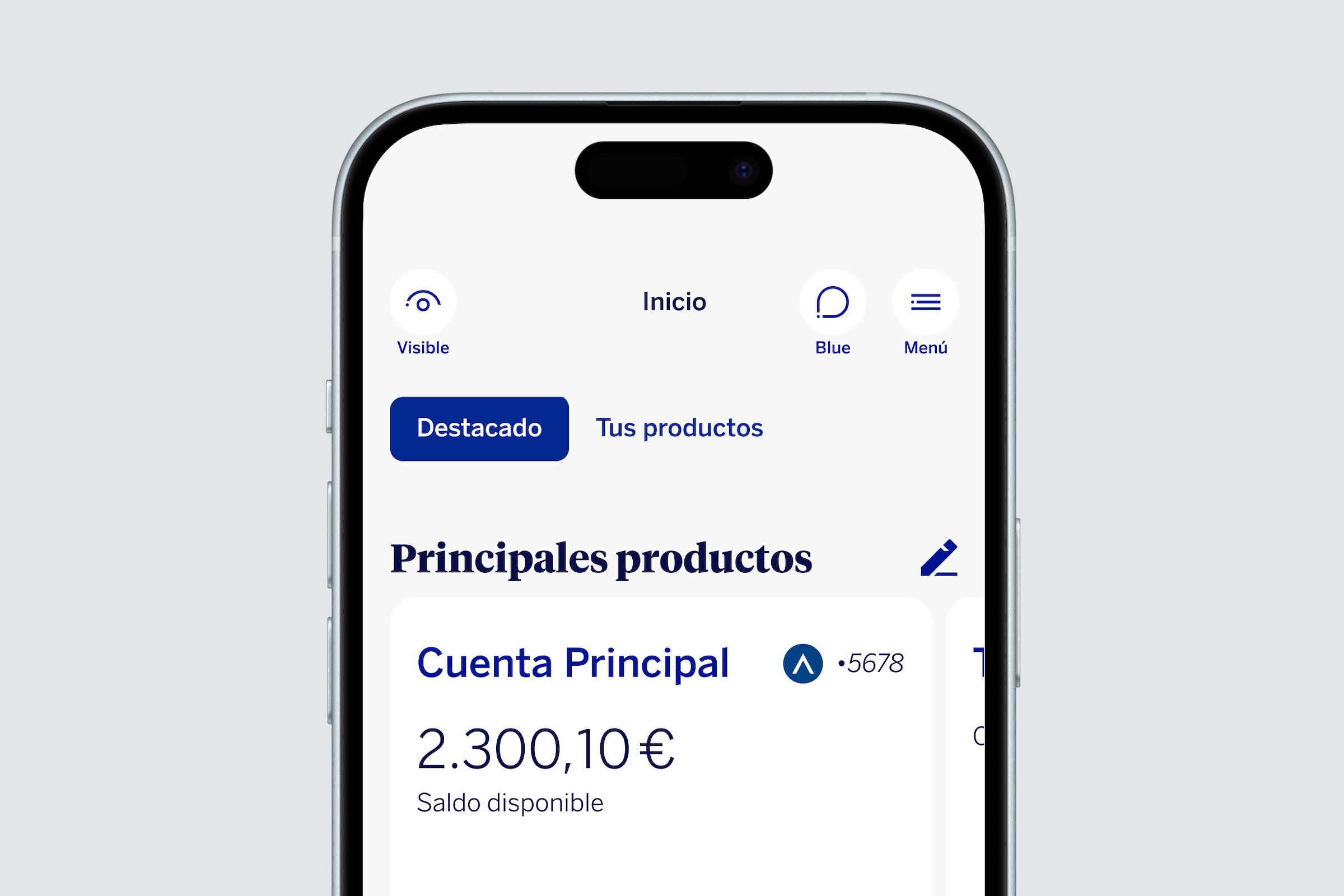
Global position: Featured
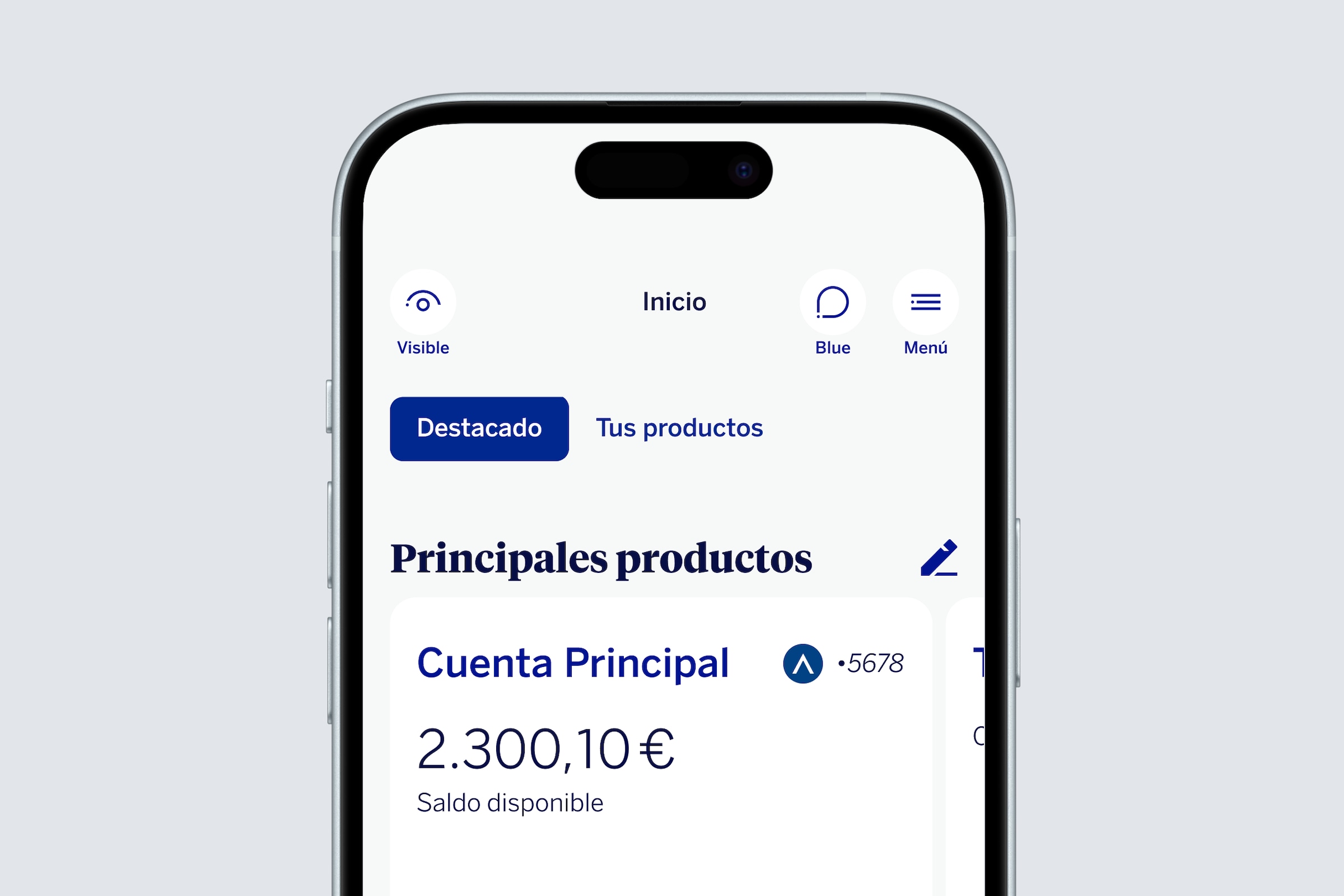
The most used product first
In Featured, you will see your Main products and the product you use the most. On the right, you'll find the rest of the products sorted based on your usage, though you can always rearrange them to your liking.
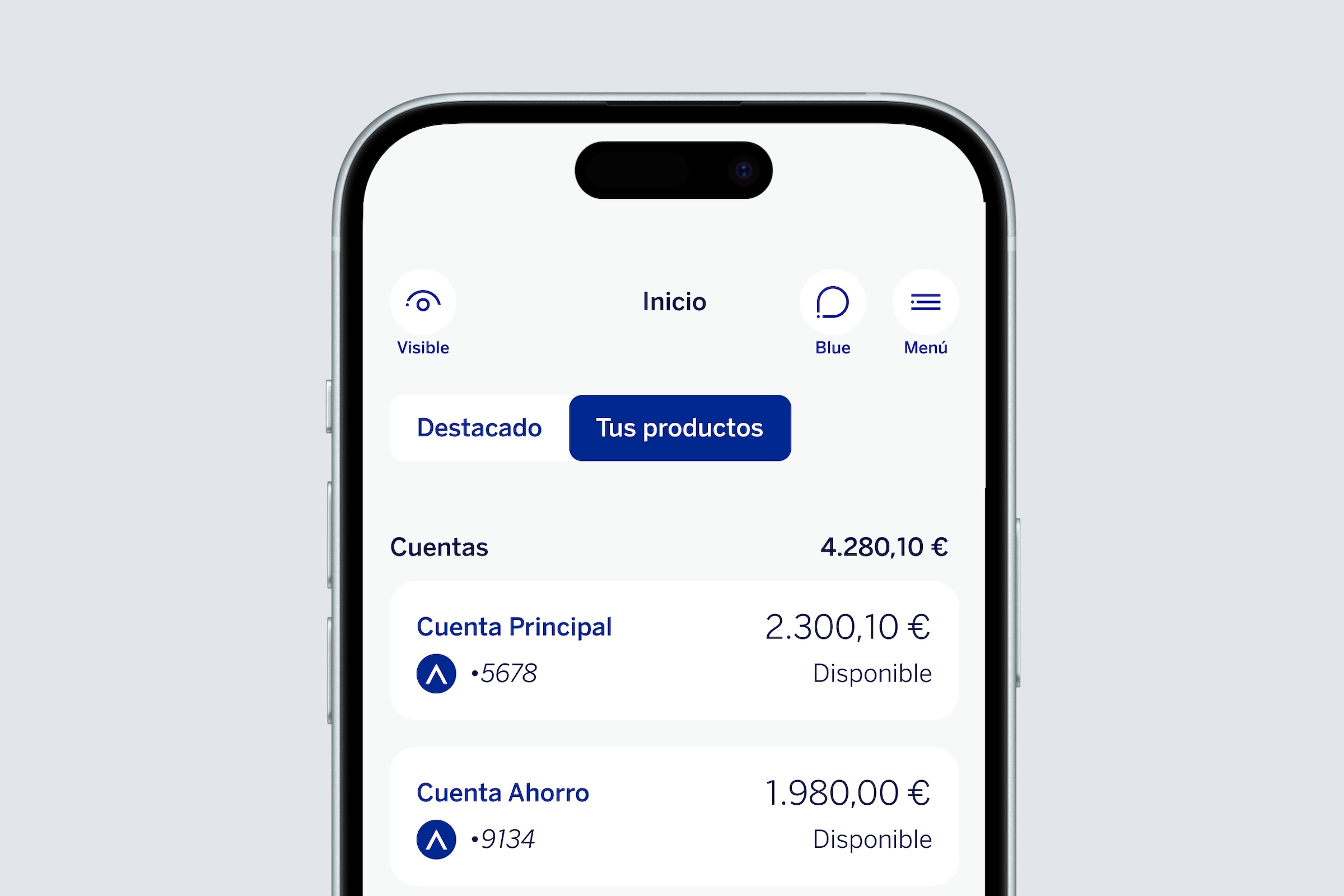
Global position: Your products
Your products, arranged like always
If you choose the Your Products tab, you will find all your products like you used to see them, but arranged based on your usage.
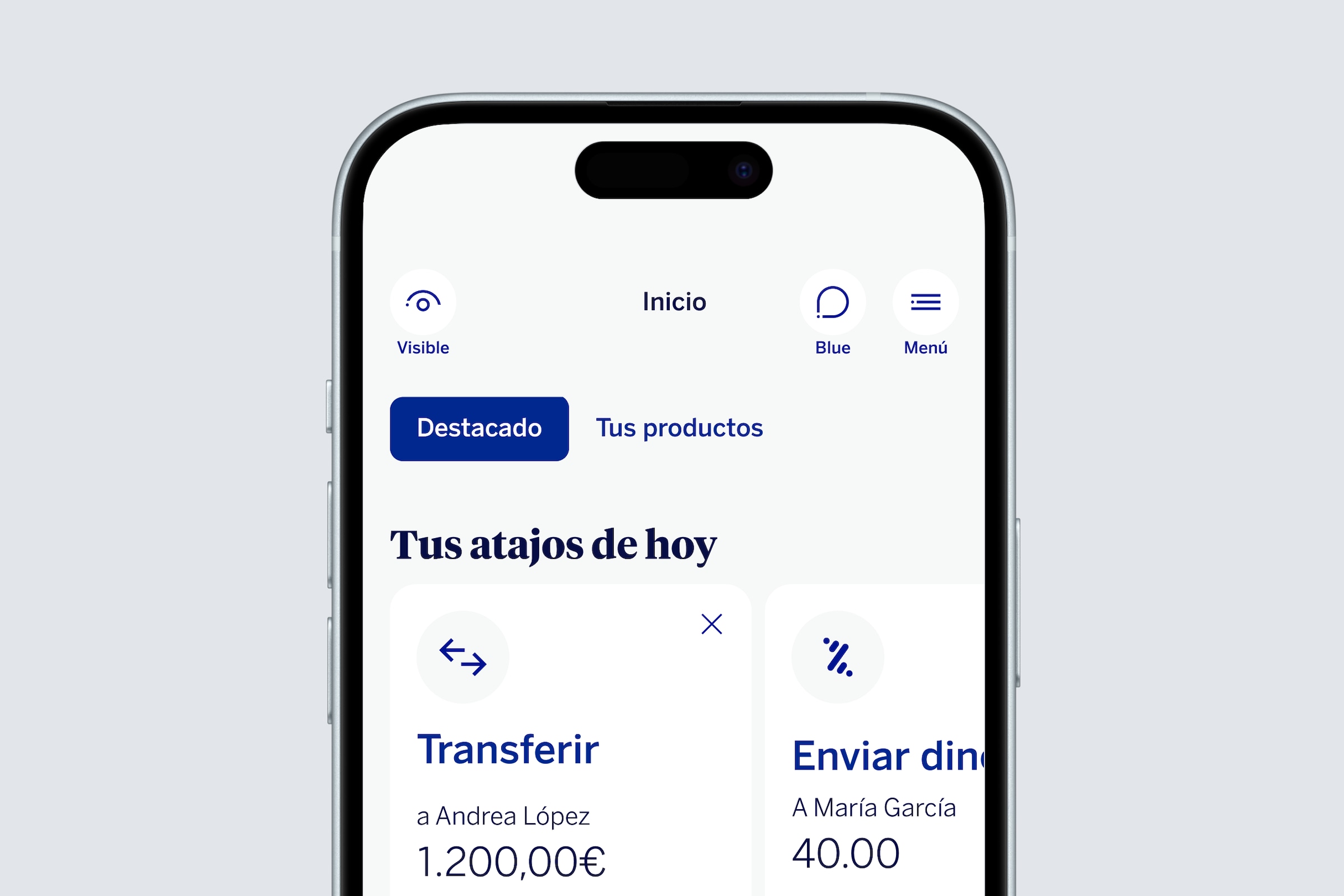
Global position: Featured
Then, your shortcuts
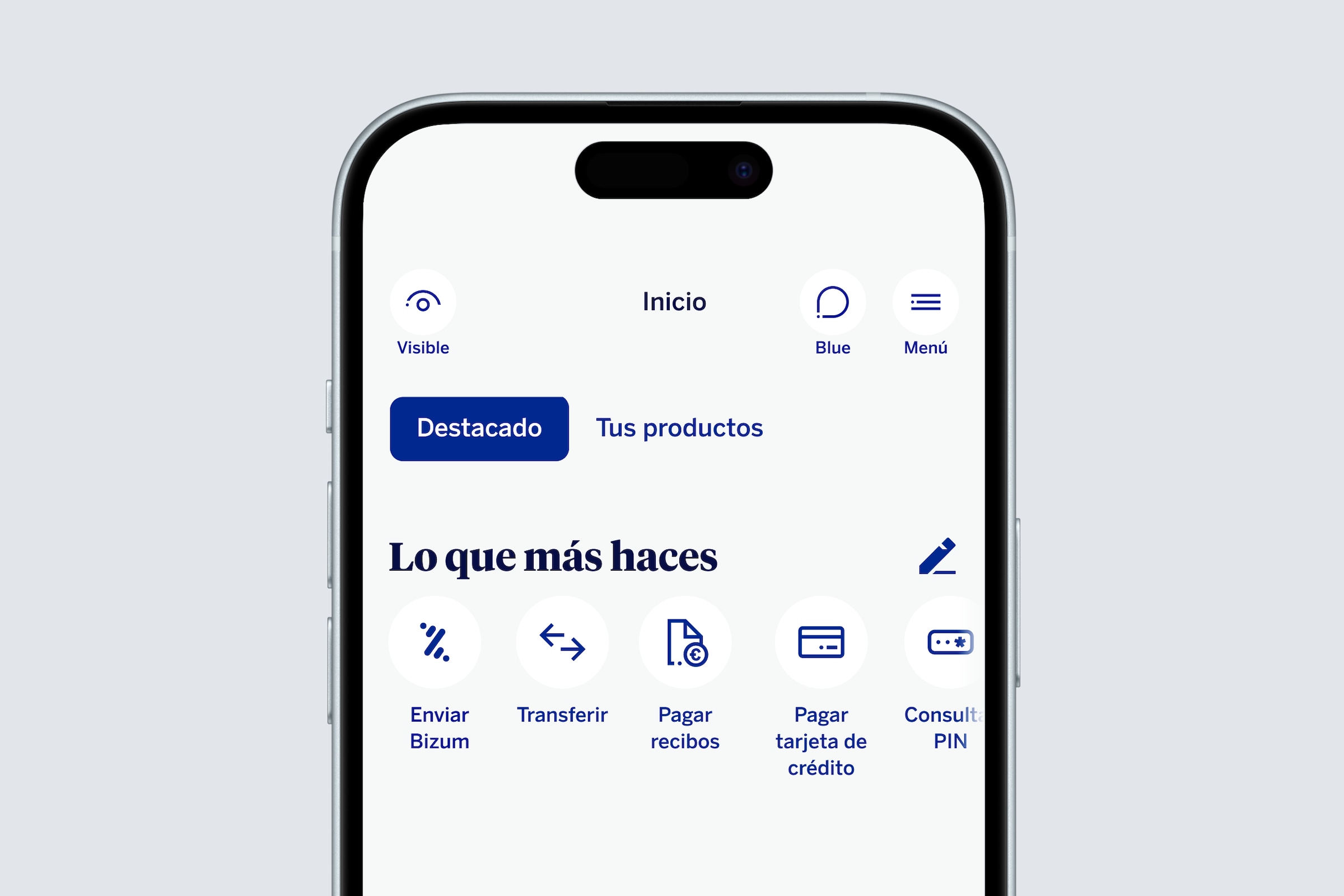
Global position: Featured
And finally, what you do most
With direct access to your cards and Bizum
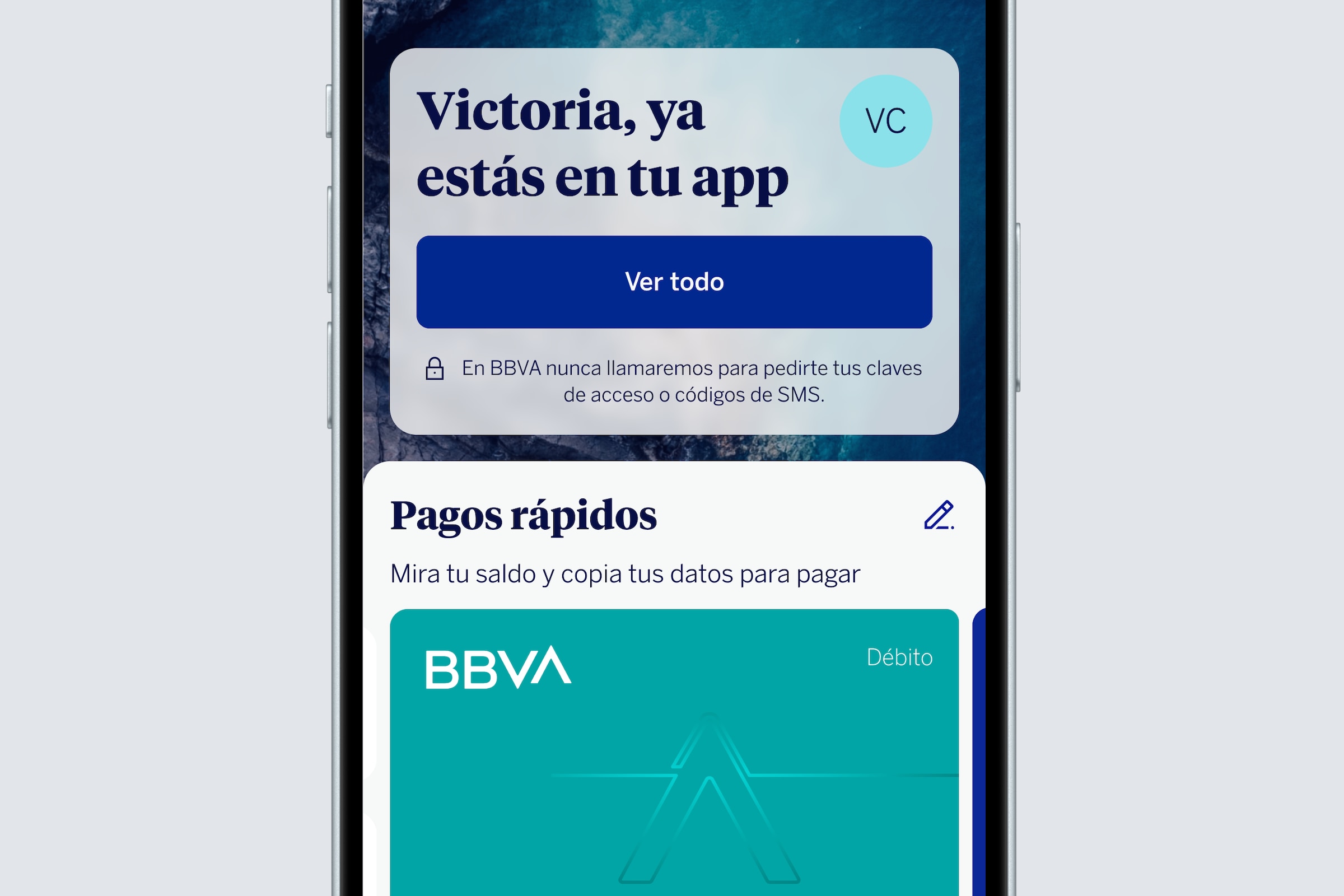
Quick payments
Your cards instantly
Arranged using artificial intelligence based on the ones you use most, but you can also organize them to your liking. When you tap on a card, it will turn around so you can see all its info in 2 seconds: number, CVV and expiration.
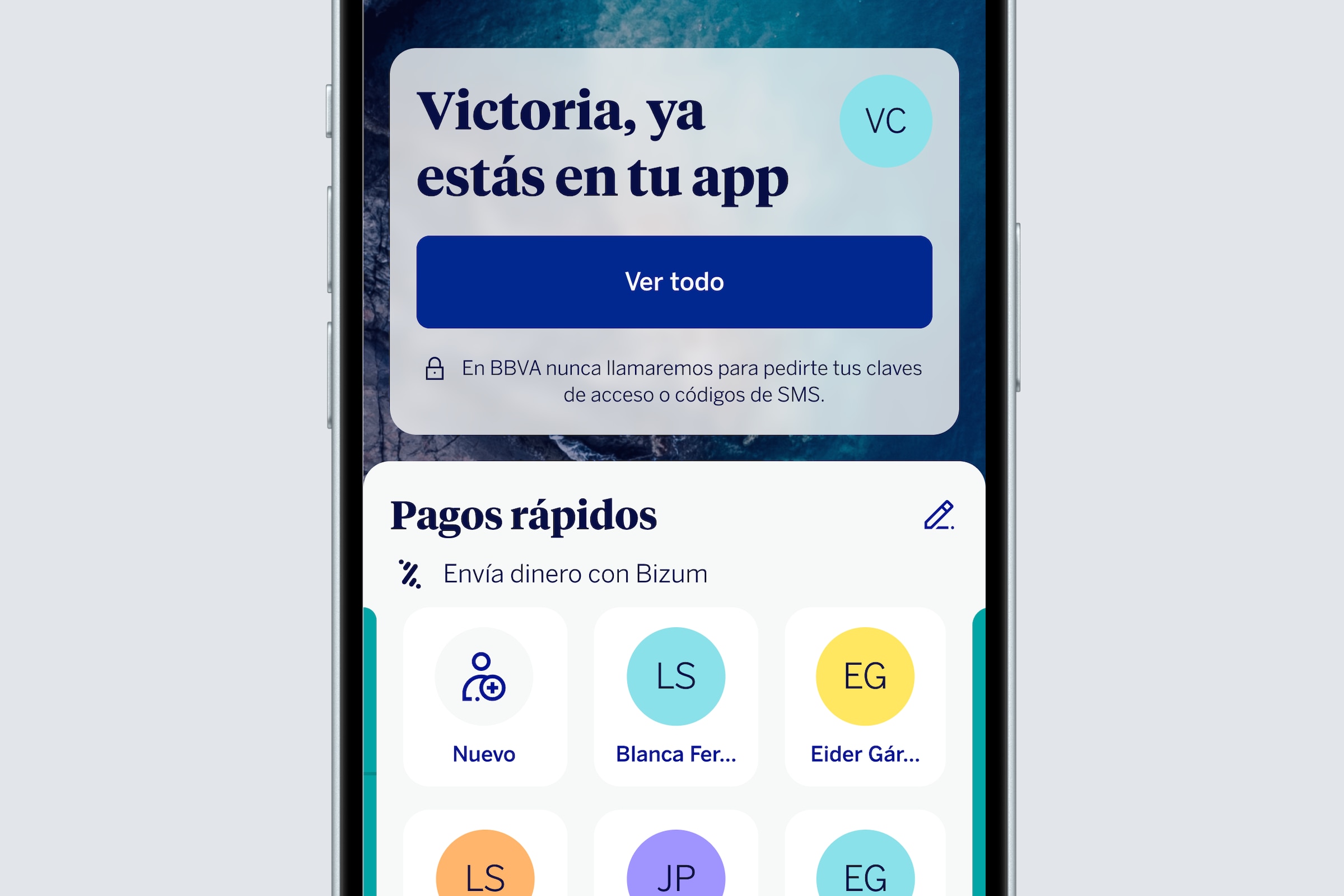
Quick payments
With your contacts shown first
In Quick Payments, you can also find a shortcut to Bizum without having to enter the private area to find it. Choose the recipient, amount, optionally add a description, confirm, and Bizum sent!
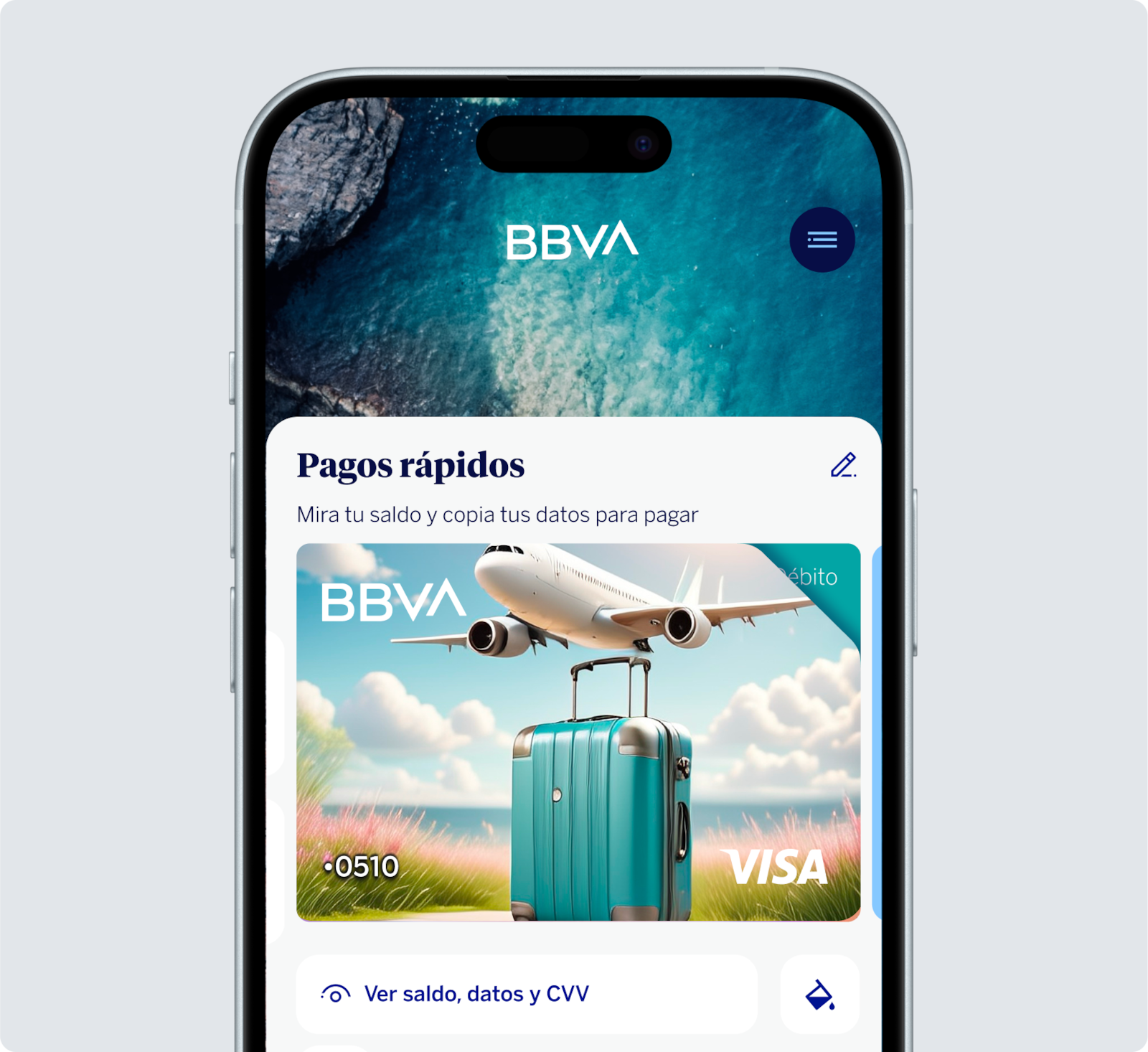
Cards personalized with AI
And your style leading the way
An app that also takes care of you
Financial coach
To whip your finances into shape
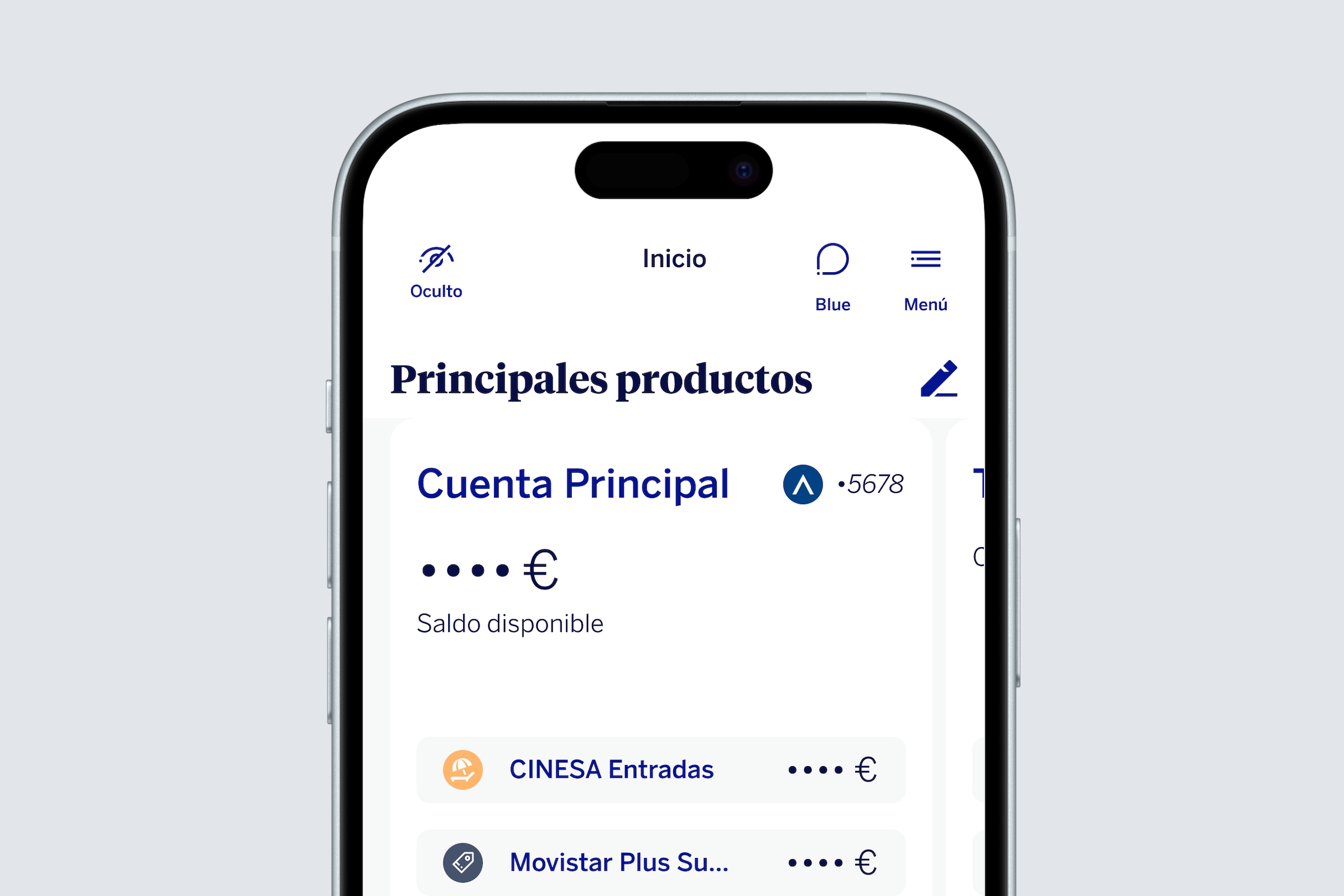
Discreet mode
And avoid prying eyes
Blue
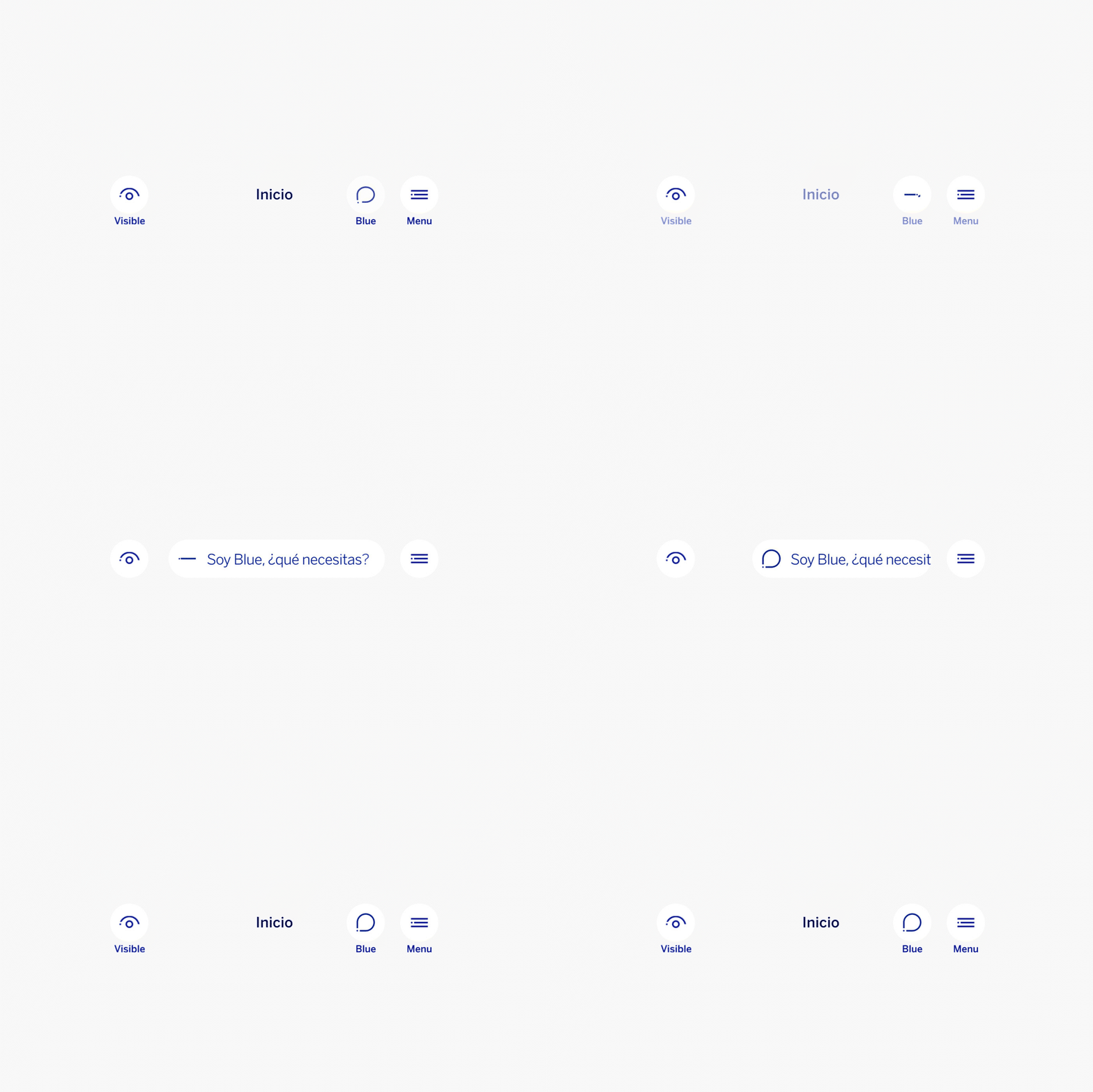
Blue, your AI-powered assistant is now smarter
When you access the private area, in Go to my Global position you will find Blue, which now has ChatGPT built-in. Ask it a question and it will help you with whatever you need, at any time.