Want to try the BBVA app without being a customer?
You can add all your banks, make an appointment to speak to an agent, calculate the value of a house and do other day-to-day business. Without being a customer and without commitment. Register in two steps and get to know us little by little.
If you’re under 30, personalize your card and stand out.
Do you need anything else?
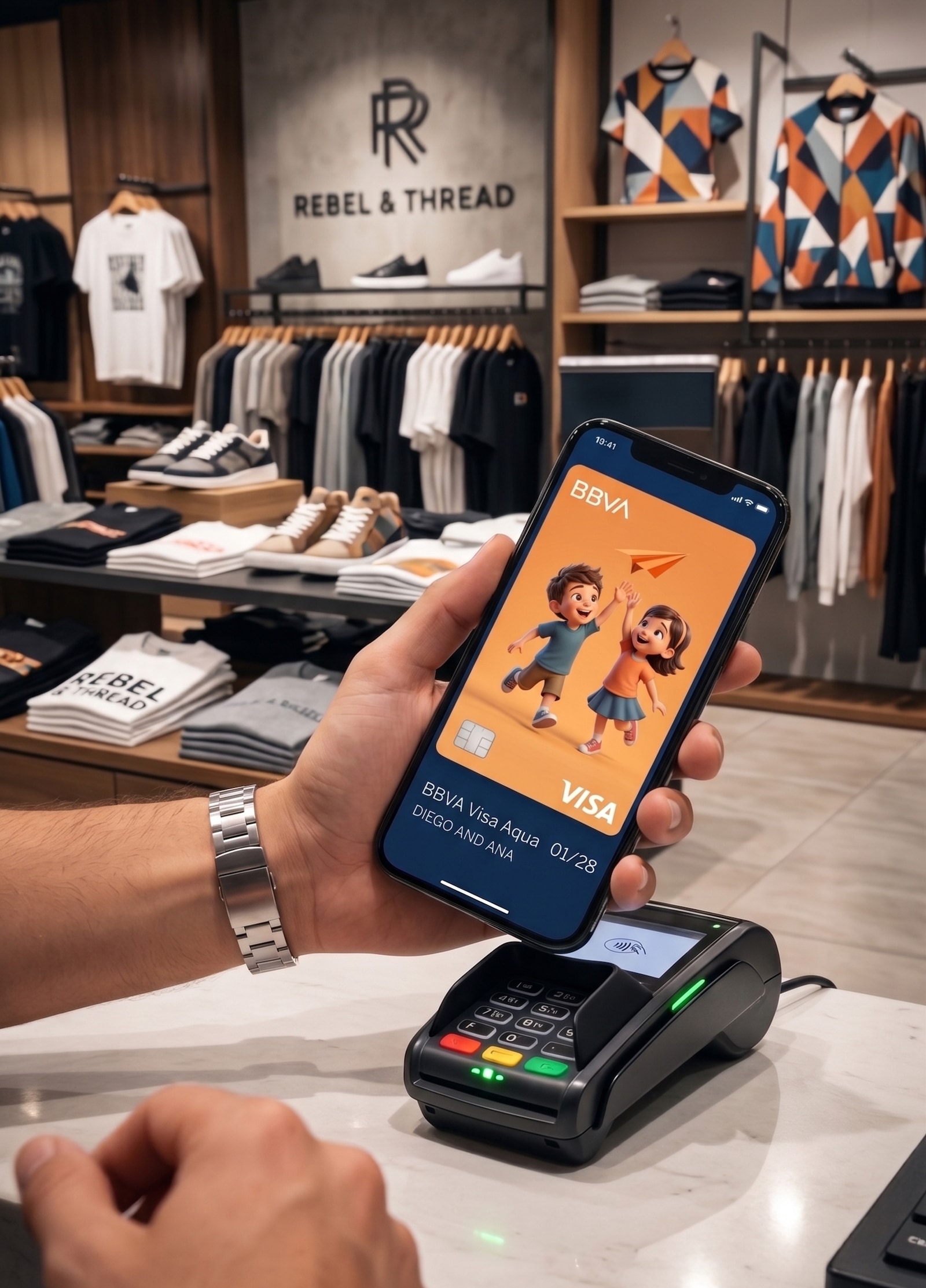
You can customize all your VISA-issued BBVA cards and use them as virtual cards.
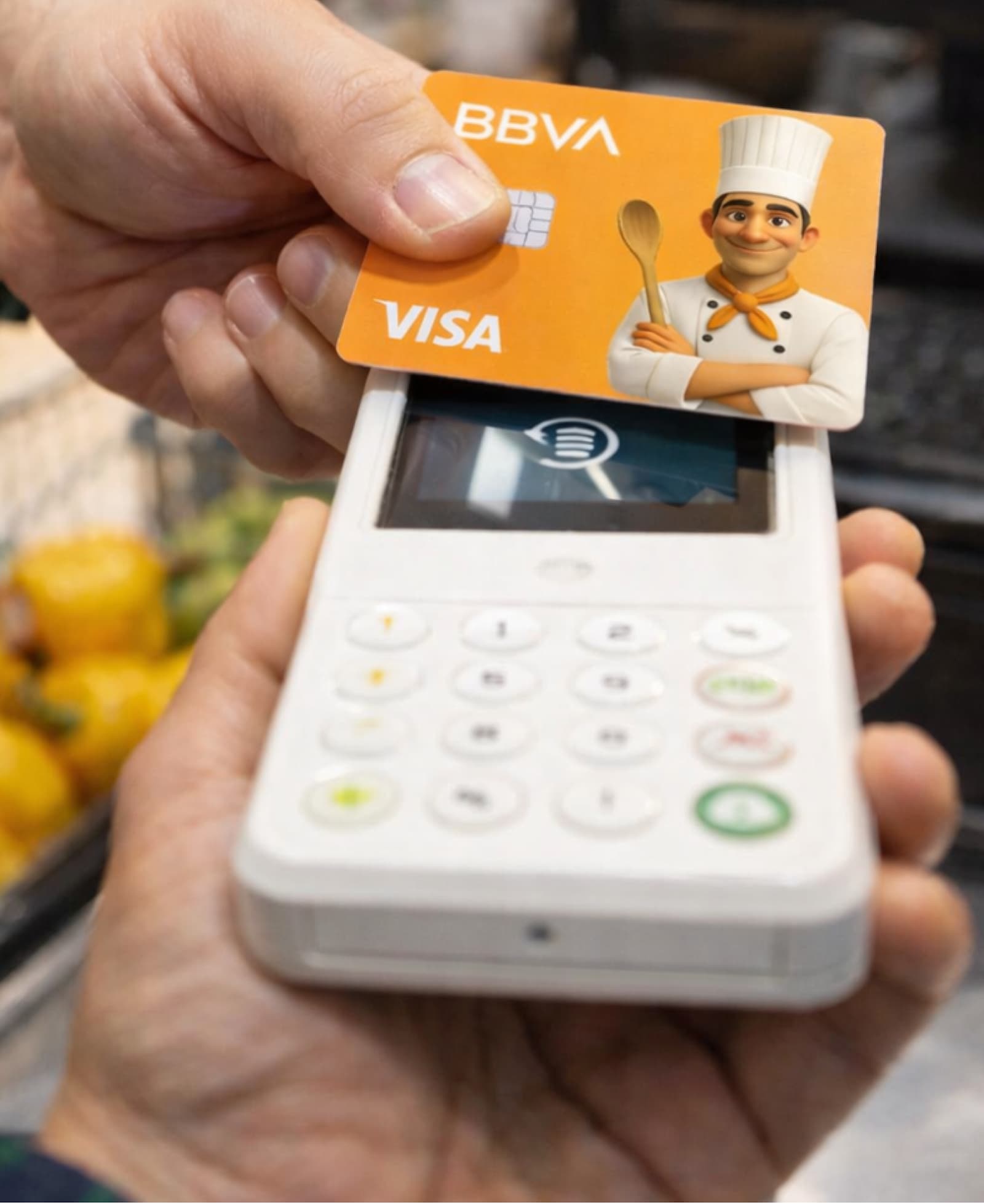
However, if you want a personalized physical card, that option is currently only available for the Aqua Debit and Aqua Debit Youth cards.
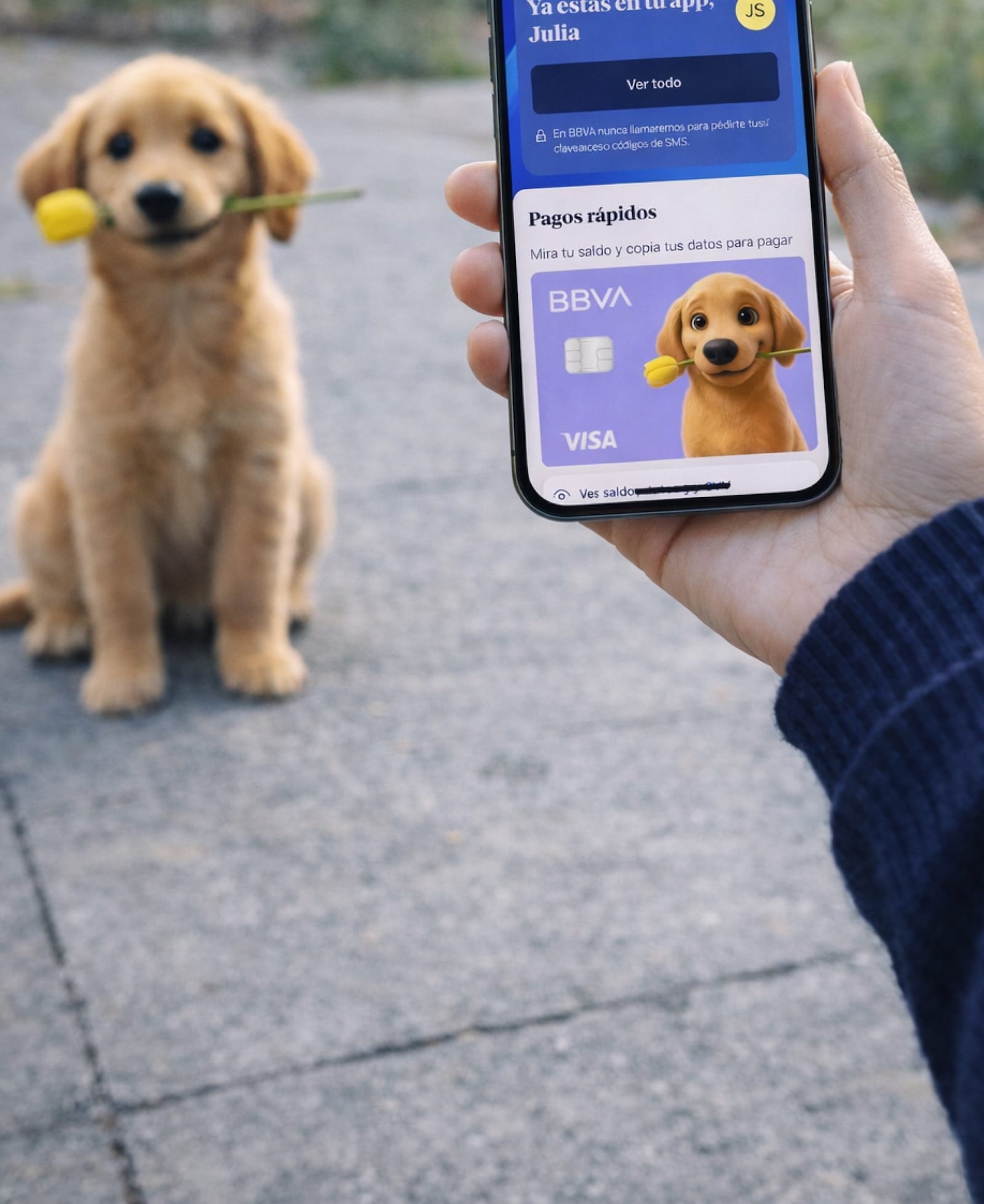
The personalized card can be viewed exclusively in the Quick Payments section on the home screen of the BBVA app. It won't be available on Apple Pay or Google Pay.
There's no limit; you can modify the design of your virtual card as often as you want from the Quick Payments section on the home screen of your BBVA app.
No, there are important restrictions in place to ensure BBVA's legal compliance and ethical standards. The system features an AI censor (guardrails) that will reject images containing:
Intellectual Property: Brands, company logos, and elements of popular culture (movies, anime, video games, etc.) are not allowed.
People: The use of images of celebrities, public figures, or historical figures is prohibited.
Inappropriate Content: Images with violent, sexual, racially offensive content, or related to drugs, alcohol, gambling, and illegal activities will be rejected.
Sensitive Information: Personal data such as signatures, passwords, emails or phone numbers cannot appear.
Others: Political and religious symbols, QR/bar codes, and offensive memes are also excluded.