

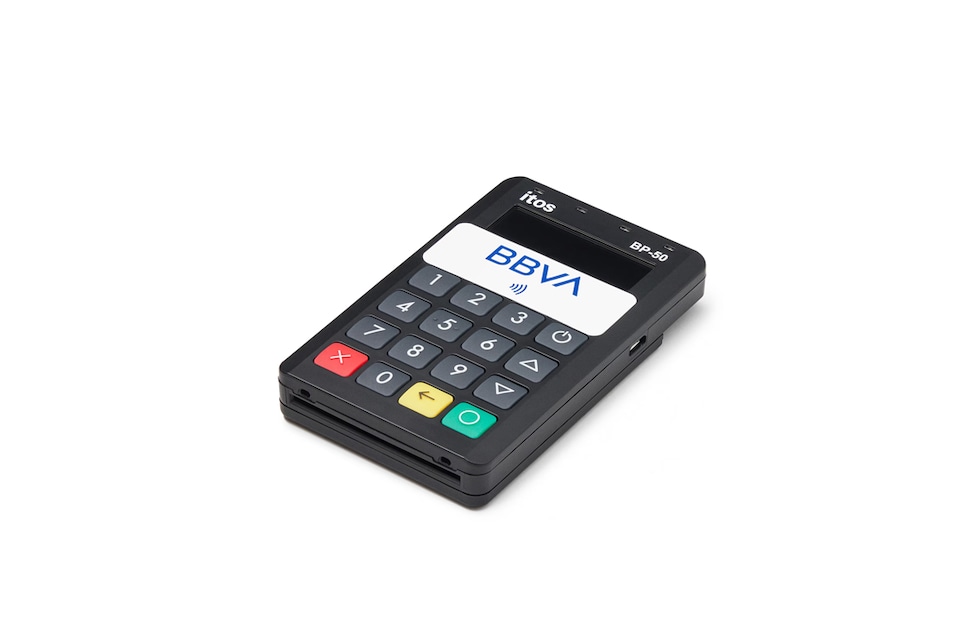

Mobile dataphone: POS terminal for mobile payments
Turn your cell phone into a POS terminal with a reader. Your POS Terminal Plan now at no cost for the first year, and up to 50% off for the second and third years
- Download the BBVA Cobros app and accept contactless payments from your phone with a card and other devices. And now also with Bizum.
- Turn your cell phone into a POS terminal by connecting a card reader via Bluetooth.
- No printer needed, you can send payment receipts digitally.
- Possible liquidity drawdown with Online POS Terminal Loans.*
- And if you're not a customer yet, with an account with no fees or conditions, totally online.
* Promotion valid for new customers, customers who have been with BBVA less than 6 months and customers who have not had a BBVA POS terminal in the previous 12 months. To apply, you must be self-employed, or a company with turnover of less than 5 million euros per year.

The Mobile Payment POS terminal adapts to the pace of your business
-
Maintenance included
Our commitment is to solve your POS terminal problems in less than 48 hours. -
Customized rate
With the POS Terminal Plan, you pay a fee based on your business's turnover from the previous month, or with the Variable Rate based on your daily sales.
-
Sales control
Track your collections and manage real-time refunds from the app.
We include additional services to improve your Mobile Payment POS terminal
- You just need to install the BBVA Cobros app on your cell phone.
- Accept contactless payments with cards and other devices, as well as payment by QR code. And if your smartphone is an Android, you can also accept Bizum payments.
- With total security for your customers, your phone does not store the card details nor will you be able to access them at any time.
- If you are self-employed, you can save on paper by viewing your sales receipts in digital format, from My Business in your online Banking service.
How do I use a cell phone as a POS terminal?
Using the Mobile Payment POS terminal is very simple:
- Install the BBVA Cobros app on your cell phone and use the passwords you receive to log in.
- For each sale, enter the amount and payment method.
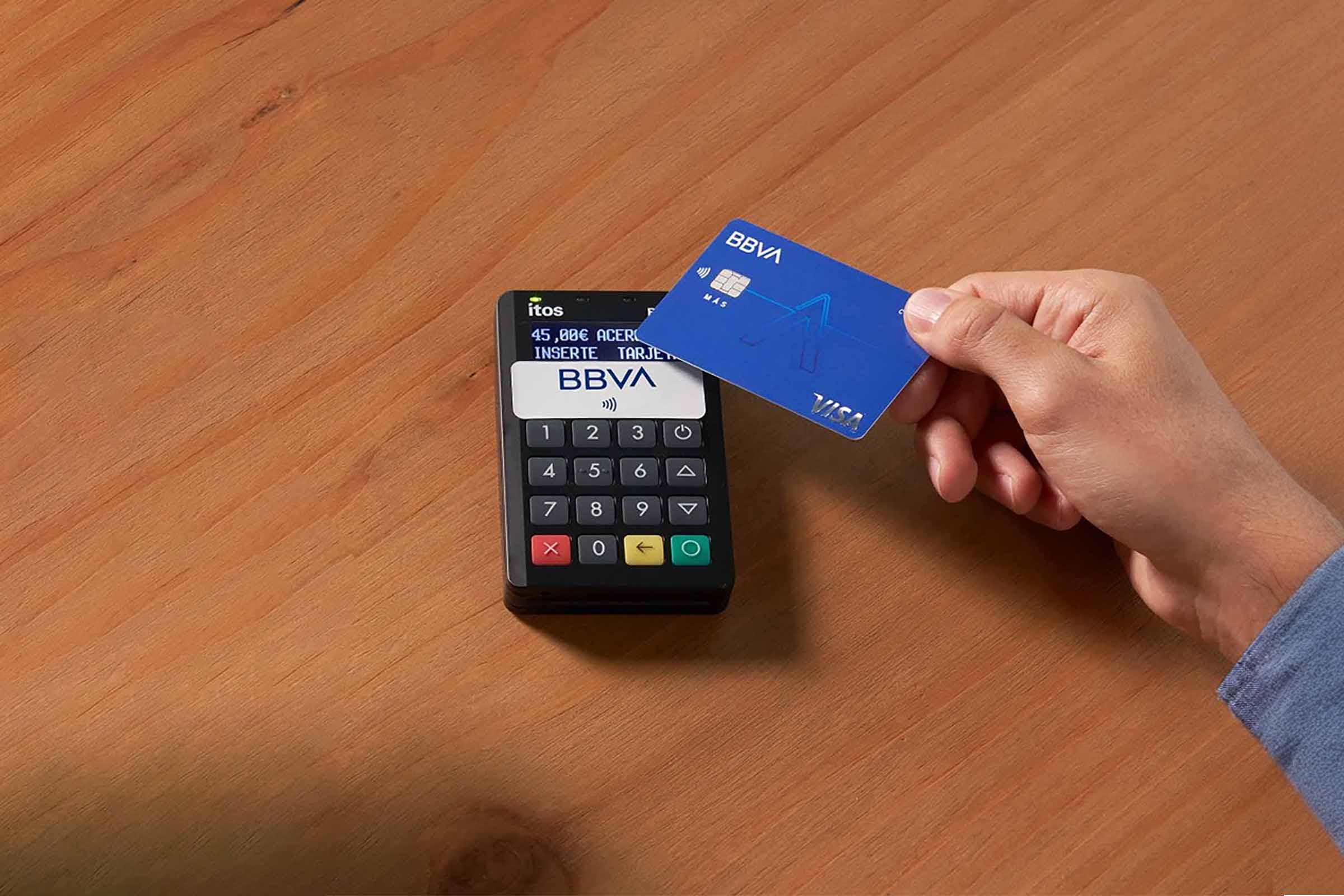
- Bring your customer's card or cell phone close to your phone or card reader* to process the transaction. If charging with Bizum, type in your customer's cell phone. It's that easy!
*If you have an Android smartphone version 11.0 or later, you can charge directly from your phone. For all other cell phones, amounts will be charged using a card reader connected to your phone by Bluetooth.
What do you need to use the Mobile Payment POS terminal?
-
Be a BBVA customer.
In order to use your mobile dataphone, you need a BBVA account to receive your sales payments. If you are not yet a customer, become a customer 100% online.
Have a smartphone with Bluetooth and an internet connectionYou need to have an Android or iPhone smartphone* with mobile data or a Wi-Fi connection for the payments to be credited to your account and Bluetooth to connect to the card reader.
*For payments directly from the application, only Android version 11.0 or higher.
Fees
-
Monthly fee
- POS terminal voucher: a price that is calculated based on your business's turnover from the previous month.
- Mobile Payment POS Terminal: free.
-
Variable rate
- Billing for a percentage of each sale: from 0.40% based on type of payment card.
- Mobile Payment POS Terminal: price according to your monthly billing.
POS Mobile charge for Android 11.0+
Turn your phone into a mobile POS terminal and accept payments anywhere with your phone (Android 11.0 or higher). Download the BBVA Cobros app and accept contactless payments from your phone with a card and other devices. And now also with Bizum.