All roads lead to Bizum
Discover the shortcuts to send money with the BBVA app and choose the one that best suits each situation
From the BBVA App
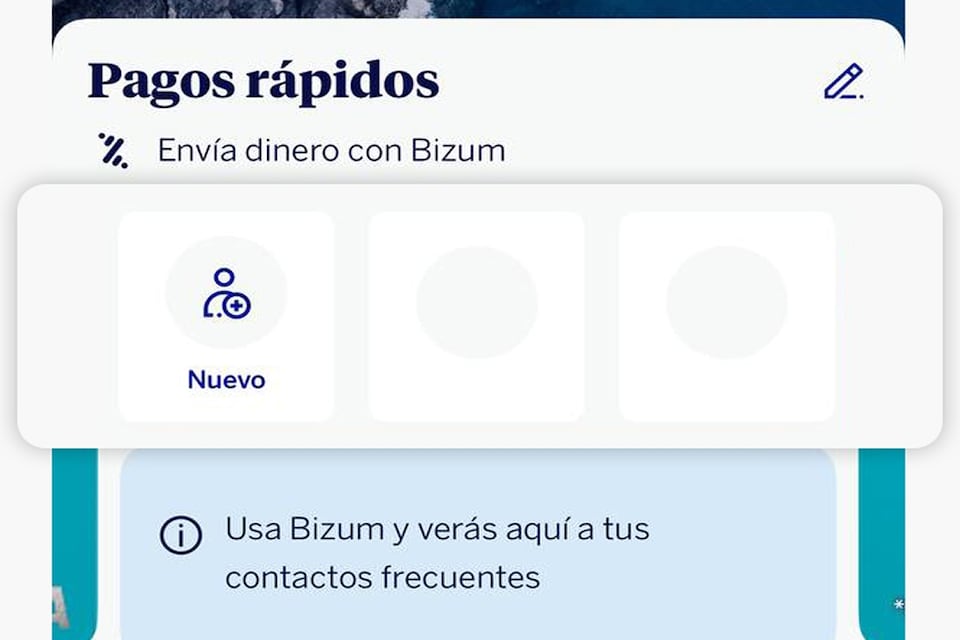
Under "Quick payments"
Inside the app, you'll find a shortcut to Bizum with the contacts you frequently send money to.
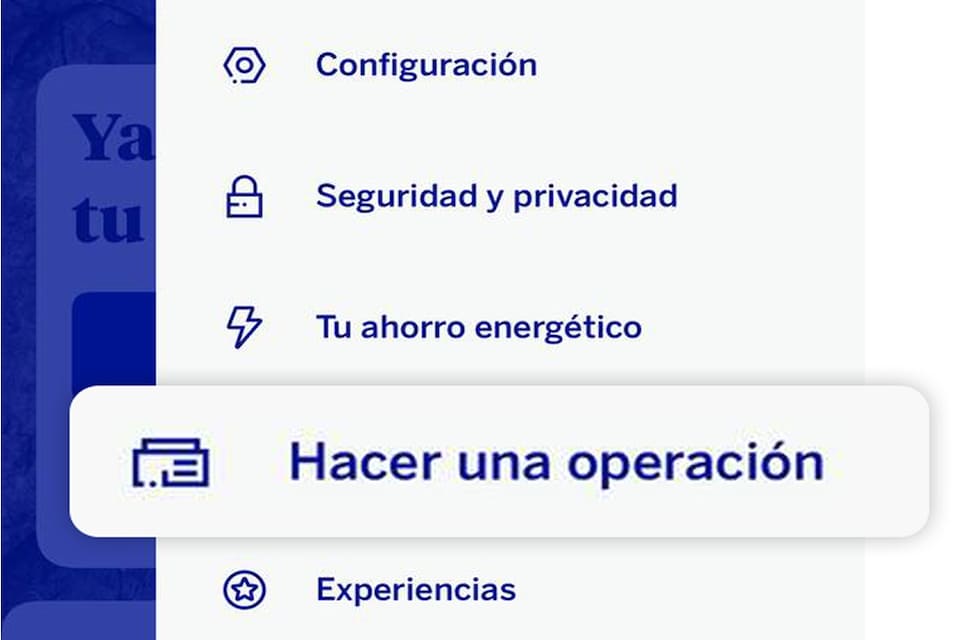
From the drop-down menu
Within the app, you will find a drop-down menu with the option "Start banking". Click on it and "Bizum" will appear.
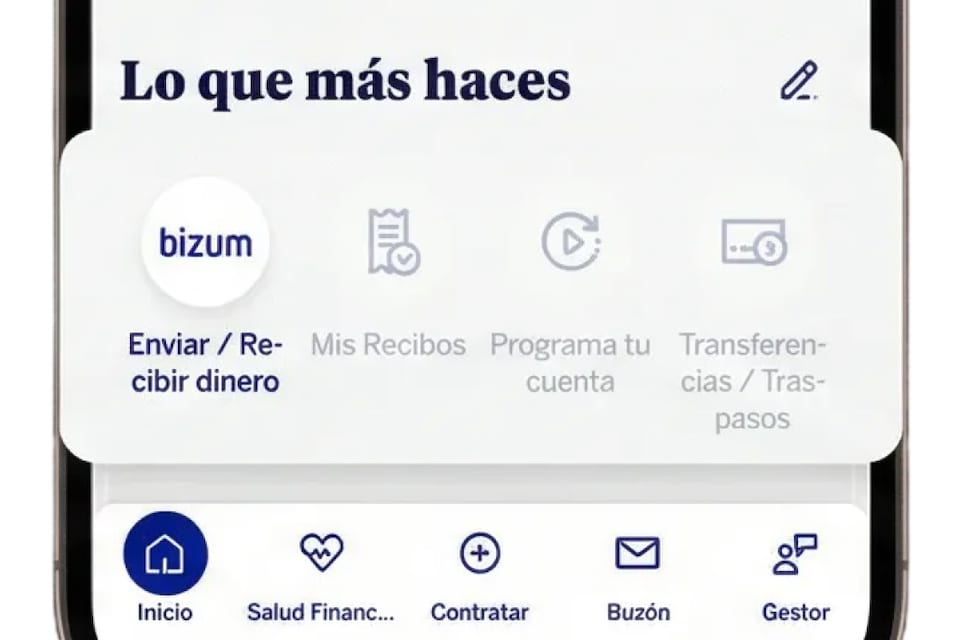
Under "What you do most"
On the home screen, you will find this section which includes Bizum.
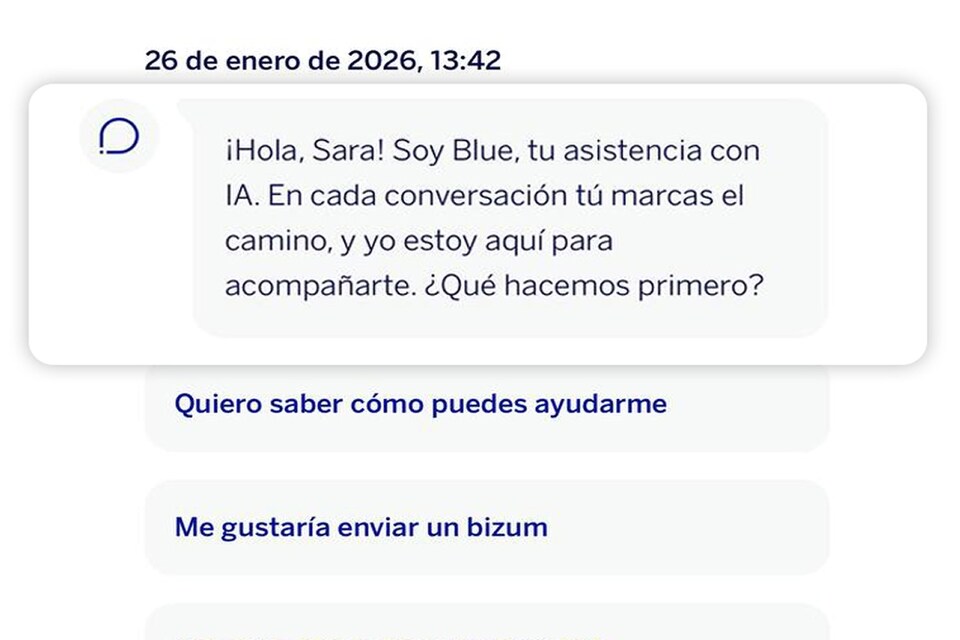
With the help of Blue*
Speak or write to our assistant and ask them to make a Bizum payment for you. Confirm the transaction... and you're ready to go!
*This feature is only available when you choose Spanish as the app language.
Without logging in to the BBVA app
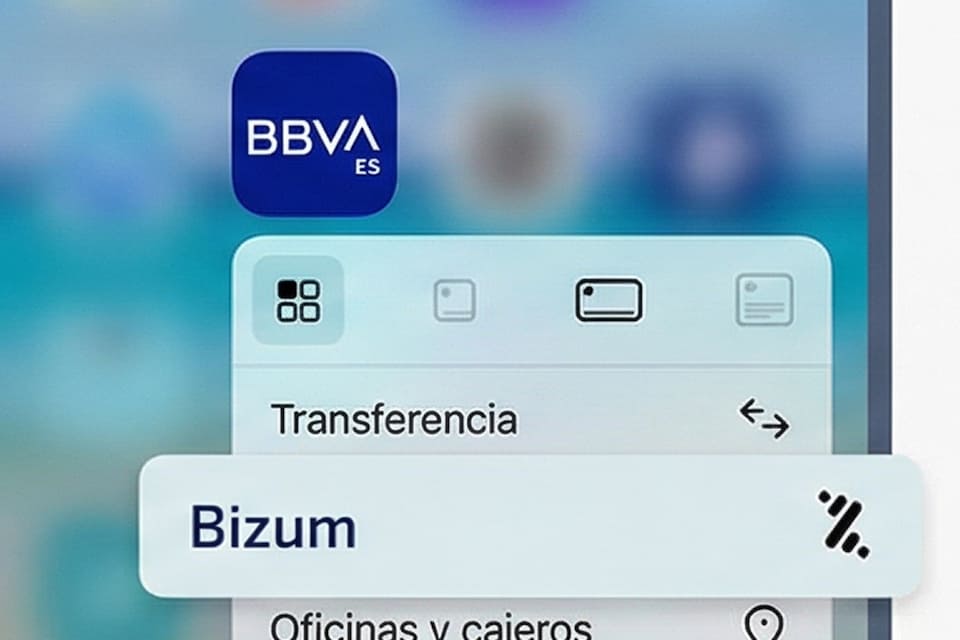
On your cell phone's home screen
Find the BBVA app icon, press and hold it, and look for "Send Bizum" in the drop-down menu options.
From your messaging apps
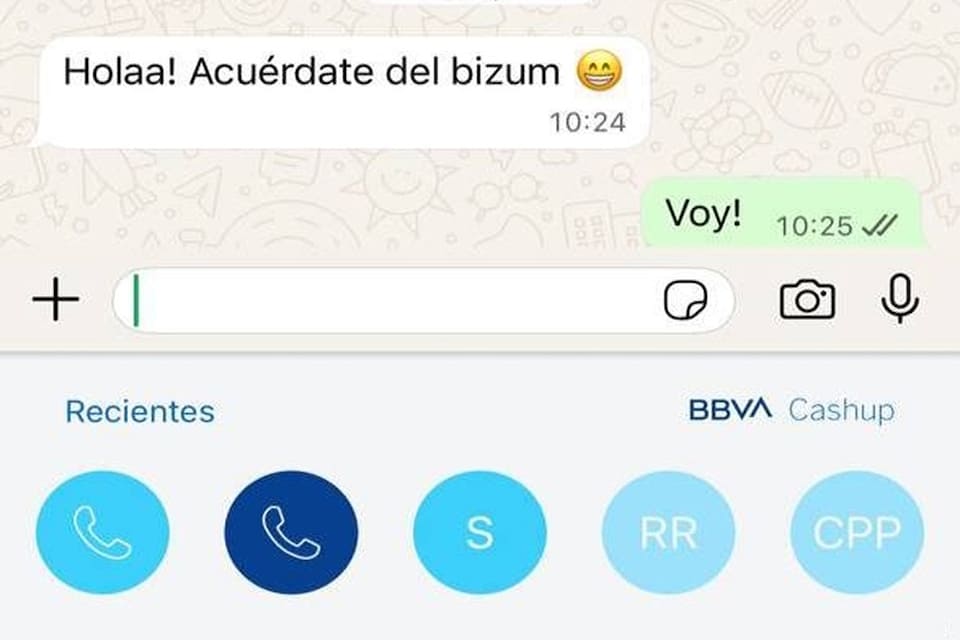
Activate BBVA Cashup in your app and send money in the same way you share a message: without leaving the conversation.