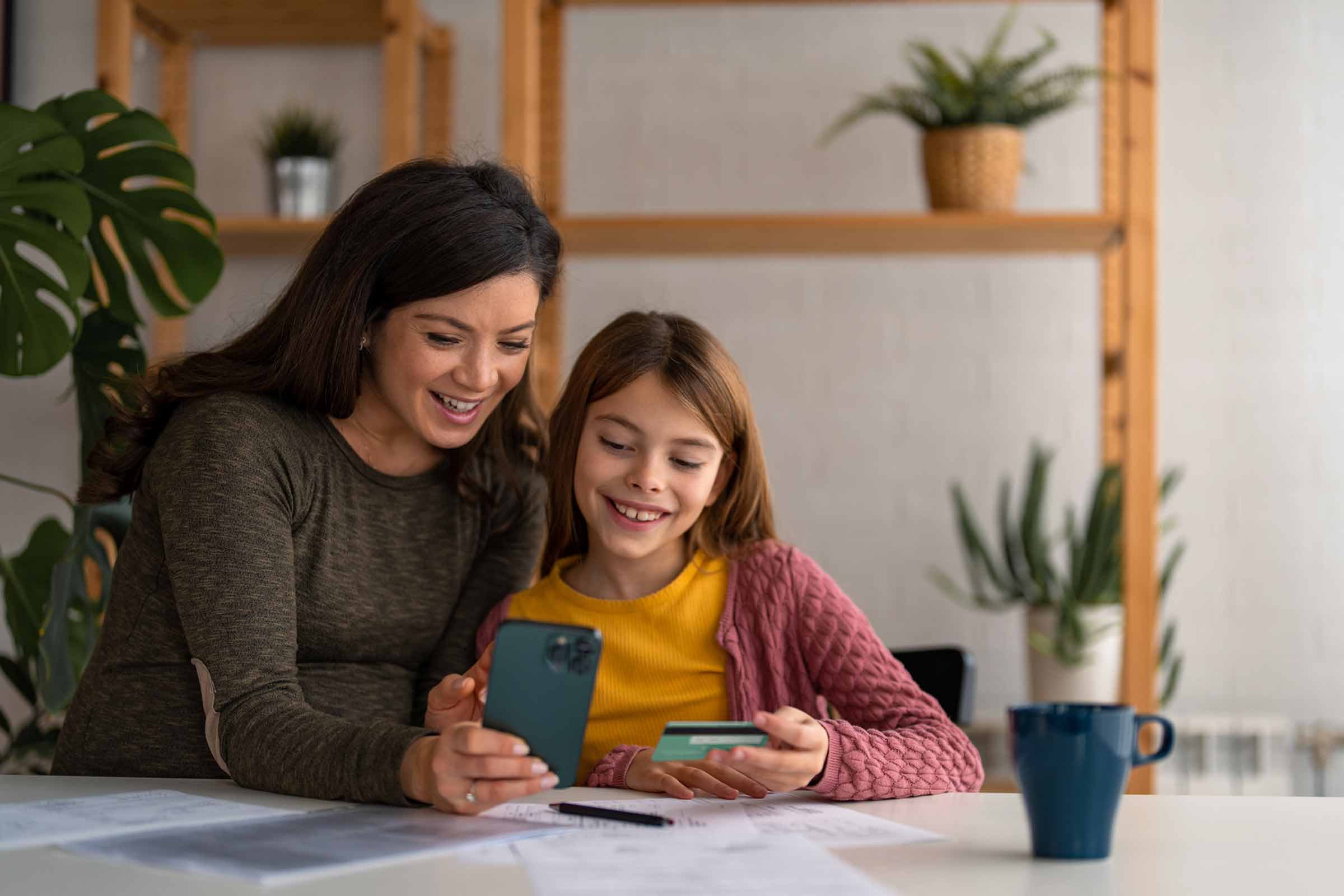
Children's Aqua debit card
Request their card so they can pay securely under your supervision
Log in to your BBVA app from your phone to apply for your Aqua debit card for children:
-
Step 1:
Log into your app, go to the "Apply" section, then to the "Debit" section and select "Children's Aqua Debit Card".
-
Step 2:
Choose the name of the minor for which you want to take out the card.
-
Step 3:
Read and sign the contractual information.
-
Step 4:
Validate the process by entering the SMS key that will be sent to your phone.