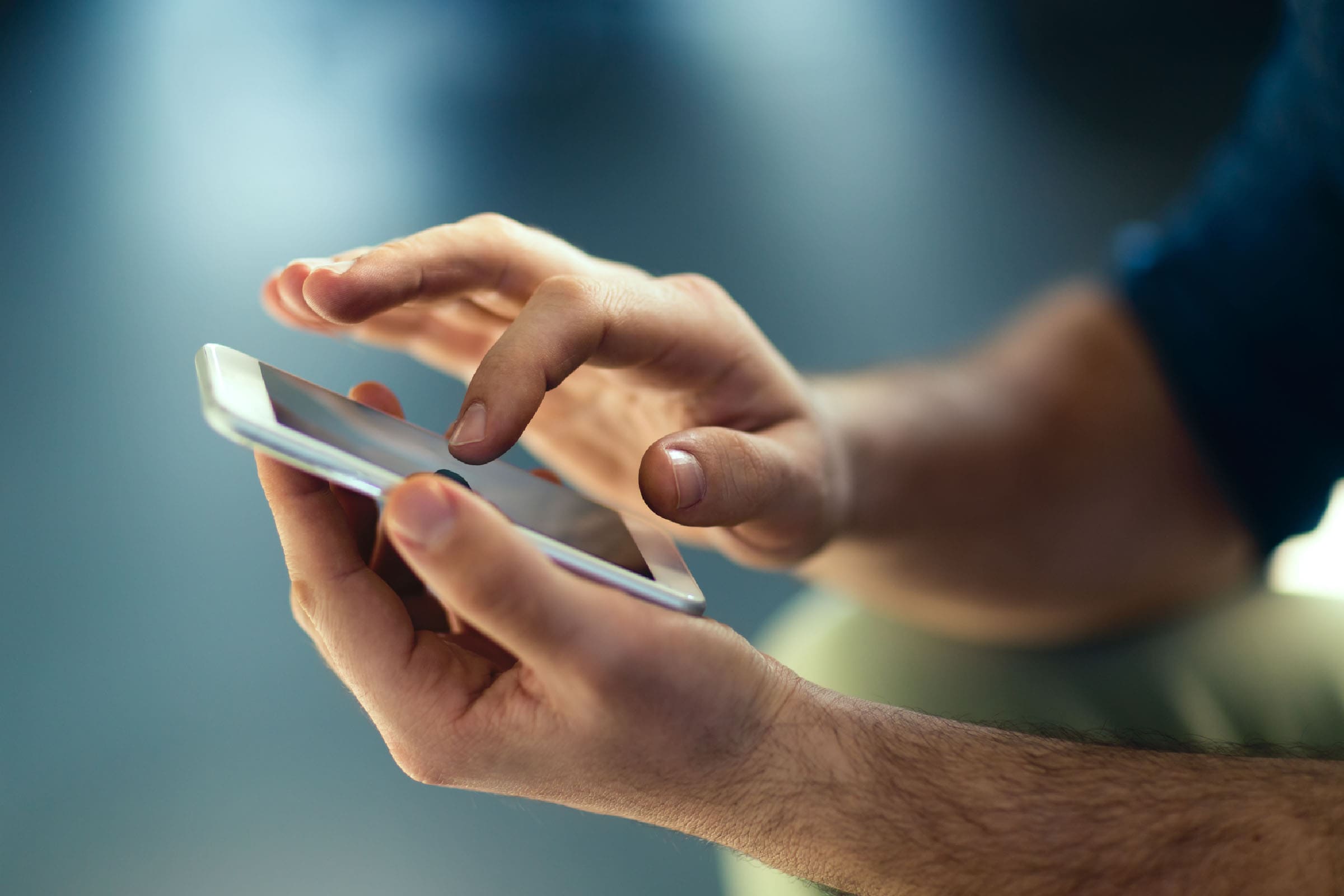
Open the BBVA app and link your BBVA card to Google Pay
-
Open the BBVA app
-
Choose which BBVA card you want to link
-
Tap on Set up Google Pay and follow the instructions

You're one step away from enjoying these benefits
Don't miss out!
- Pay using your cell phone in stores without needing to take out your card.
- Make purchases on websites and apps without having to enter your details every time.
- Your payments are secure. Your card details will not be shared with stores